
Appearance
Quick Start
Get up and running with DataNature in minutes.
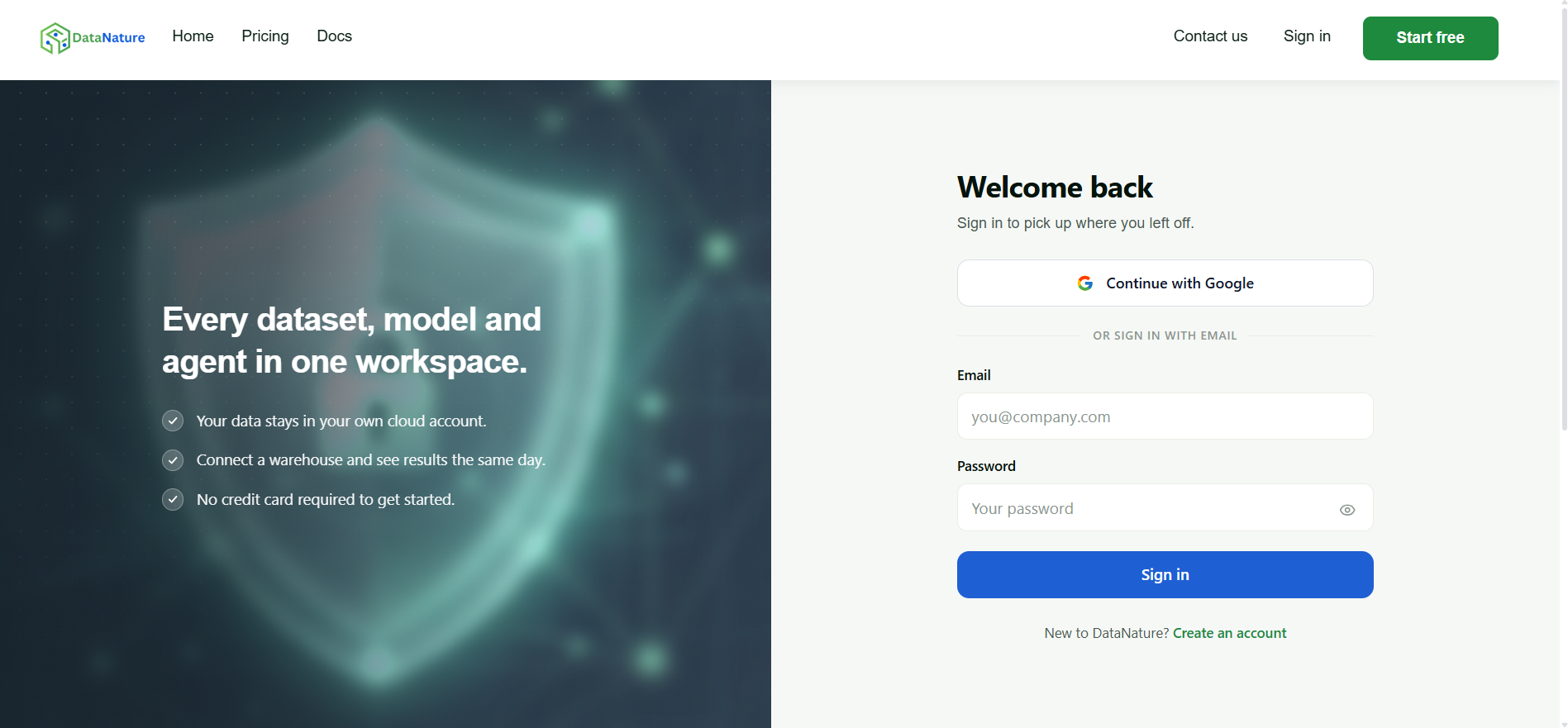
Sign Up
- Go to datanature.ai
- Click Start free (or Create an account on the sign-in page)
- Sign up with Continue with Google, or with your email address and a password
- If you signed up with email, verify it via the link sent to your inbox
- Your workspace is provisioned automatically — typically within ~2 minutes
- Sign in to your dashboard
Dashboard Overview
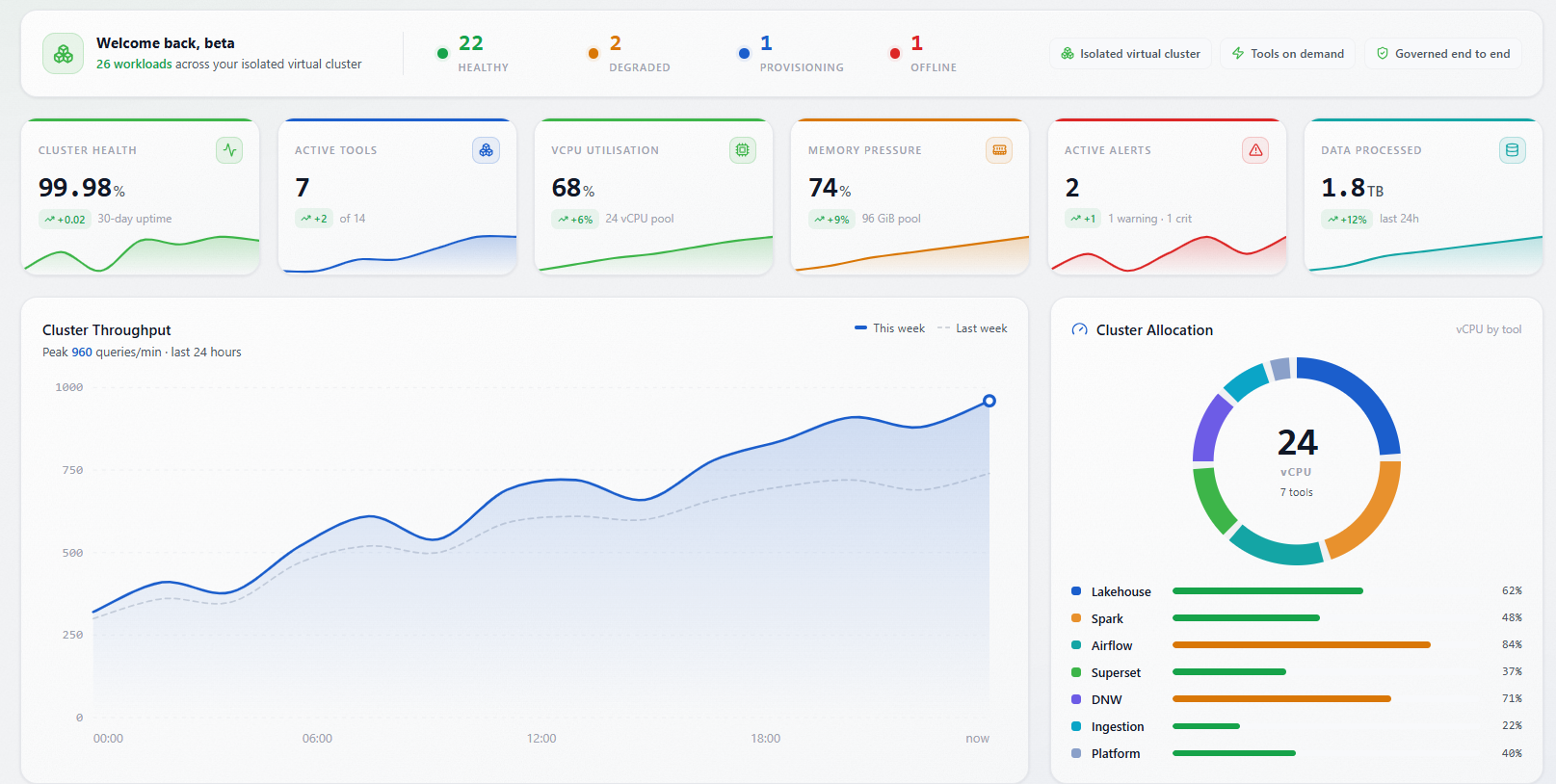
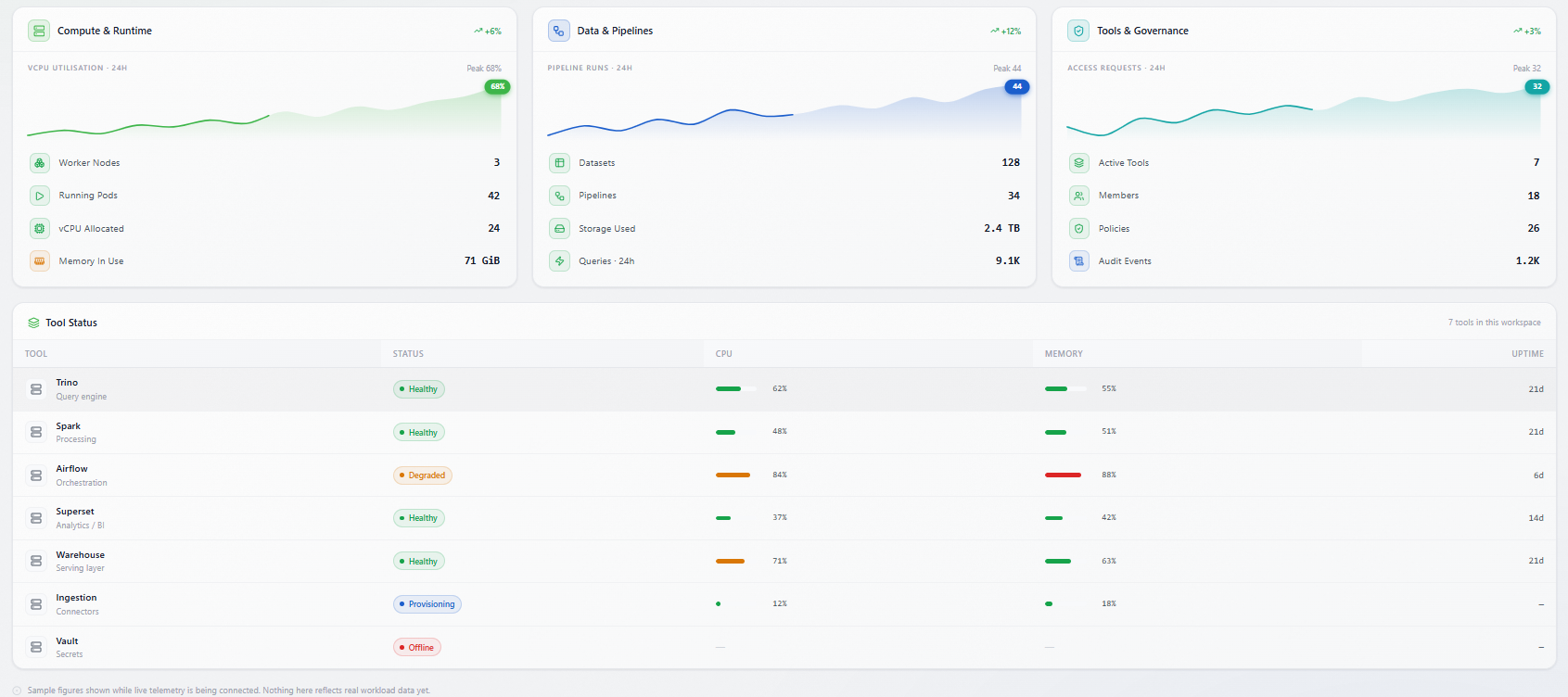
After your first login, you'll see your workspace dashboard with:
- Tool launcher cards — One-click access to your BI dashboards, SQL query editor, workflow orchestration, data processing engine, notebooks, and other tools
- Resource usage — View compute and storage consumption at a glance
- User management — Invite team members and manage access (workspace admins)
Next Steps
- Learn more about your workspace in Workspace Overview
- Explore individual tool documentation for detailed guides